











GyaanE - Short Video Learning Platform

GyaanE - Short Video Learning Platform

GyaanE is a short-video learning app for India, like Instagram Reels but focused on education. It targets users in tier-2 and tier-3 cities, blending learning and entertainment to deliver valuable, guilt-free content in an engaging way.

GyaanE is a short-video learning app for India, like Instagram Reels but focused on education. It targets users in tier-2 and tier-3 cities, blending learning and entertainment to deliver valuable, guilt-free content in an engaging way.

Platform:

Platform:

Mobile

Mobile

Duration:

Duration:

Feb 2025-In Progress

Feb 2025-In Progress

Feb 2025-In Progress

Role:

Role:

Branding, Product Design

Branding, Product Design

What GyaanE Offers

On-demand Latest Video Lectures on Any Topic

Connect with people across 50+ countries effortlessly.

Bite-sized, easy content in Hinglish

Build genuine relationships with like-minded individuals.

Focus on learning skills + earning + self-growth

Personalized content and recommendations

More than 25+ Categories

Join thriving communities aroundyour interests.

The Journey of Building GyaanE

The Journey of Building GyaanE

Step 1: Finalized fonts and colors after multiple iterations, forming the app’s visual foundation.

Step 2: Aligned the team by clearly explaining design decisions and their rationale.

Step 3: Explored multiple layouts to achieve a clean and engaging design.

Step 4: Balanced thumbnail size to avoid clutter while maintaining visual impact.

Step 5: Used AI to create better, faster, and more readable thumbnails.

Step 6: Iterated designs based on continuous stakeholder feedback.

Step 7: Improved designs through structured team critique sessions.

Step 8: Fixed cross-device UI bugs through repeated testing and refinements.

Step 1: Finalized fonts and colors after multiple iterations, forming the app’s visual foundation.

Step 2: Aligned the team by clearly explaining design decisions and their rationale.

Step 3: Explored multiple layouts to achieve a clean and engaging design.

Step 4: Balanced thumbnail size to avoid clutter while maintaining visual impact.

Step 5: Used AI to create better, faster, and more readable thumbnails.

Step 6: Iterated designs based on continuous stakeholder feedback.

Step 7: Improved designs through structured team critique sessions.

Step 8: Fixed cross-device UI bugs through repeated testing and refinements.

Banner Generation

Banner Generation

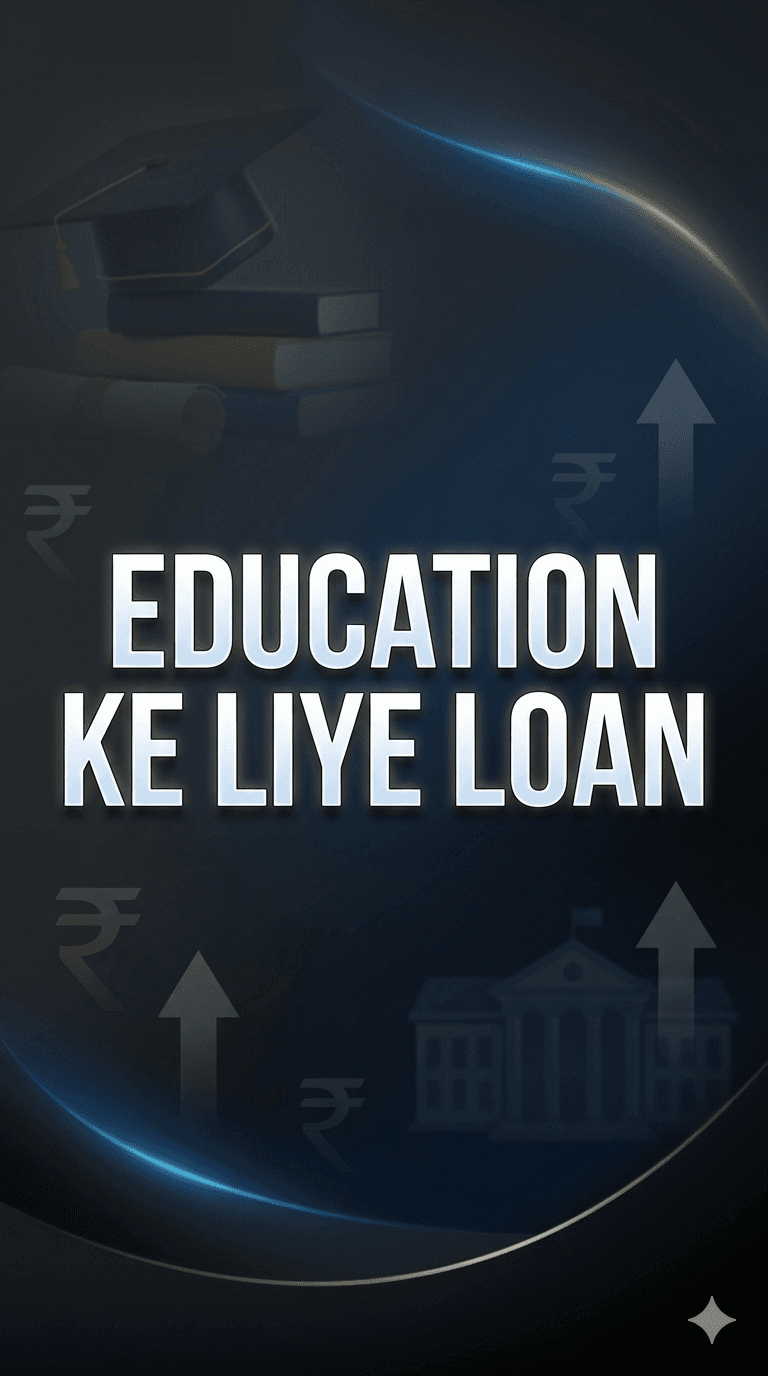
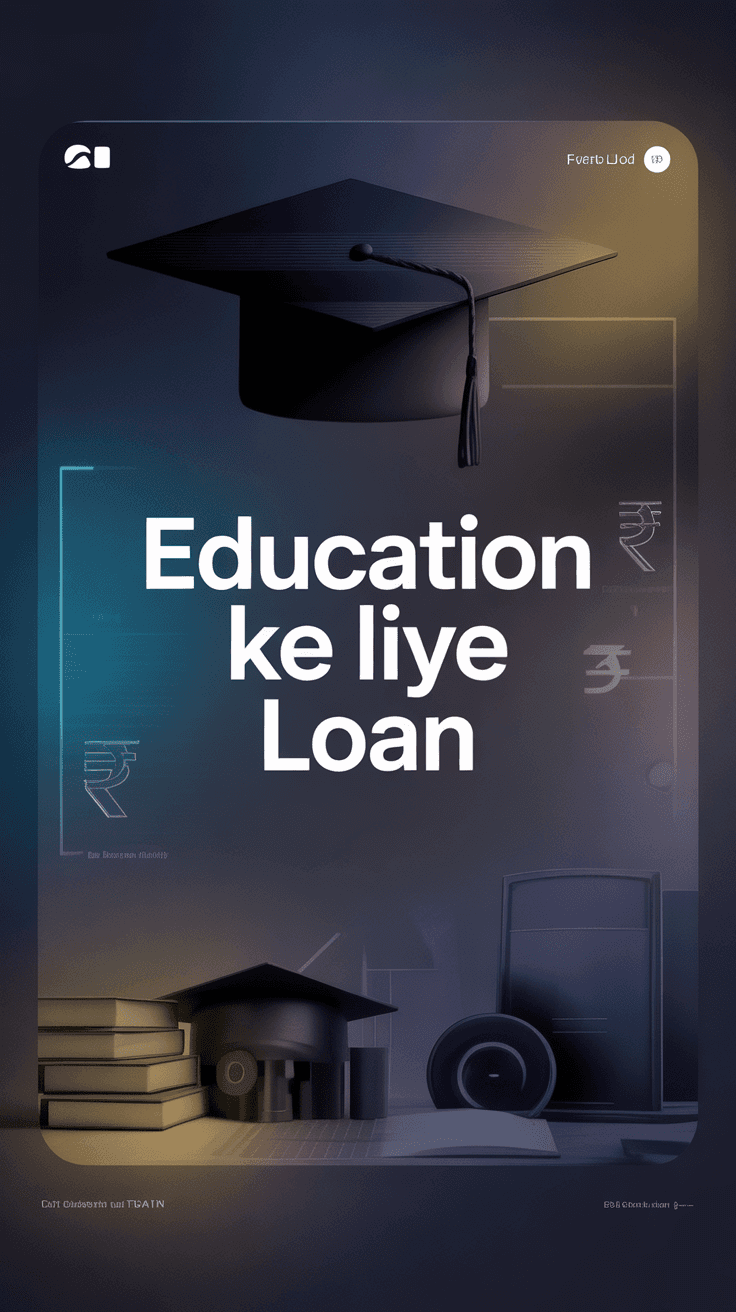
Banner generation was initially done manually, but the manually created ones had too much visual load. That’s why we switched to creating them through AI.

While creating them using AI, we explored many tools at that time, and some of them are:

Banner generation was initially done manually, but the manually created ones had too much visual load. That’s why we switched to creating them through AI.

While creating them using AI, we explored many tools at that time, and some of them are:

Ideogram

Ideogram

Nano Banana

Nano Banana

Open AI

Open AI

Freepik

Freepik

Ideogram and Freepik both generated good results, but Ideogram’s were better. Additionally, Ideogram had a bulk generation feature, which is why we chose Ideogram.

Ideogram and Freepik both generated good results, but Ideogram’s were better. Additionally, Ideogram had a bulk generation feature, which is why we chose Ideogram.

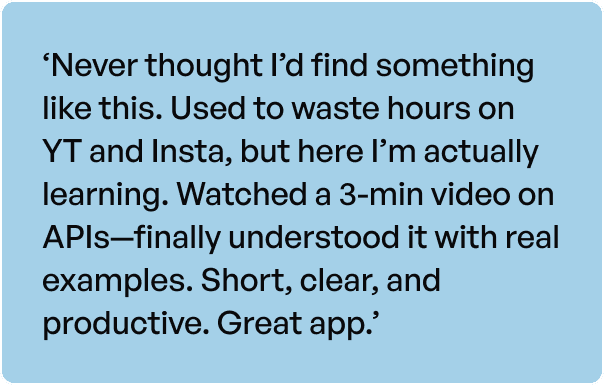
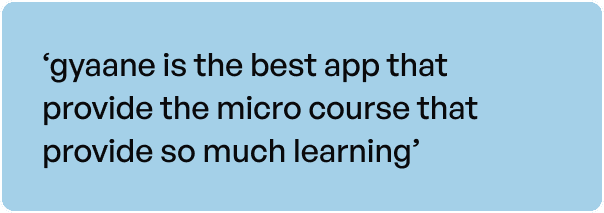
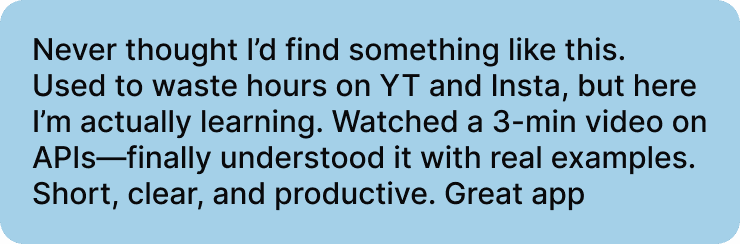
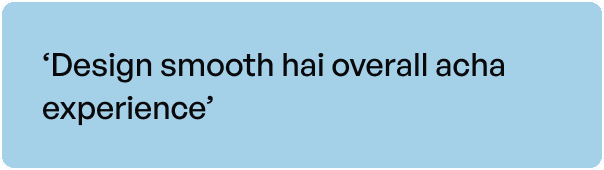
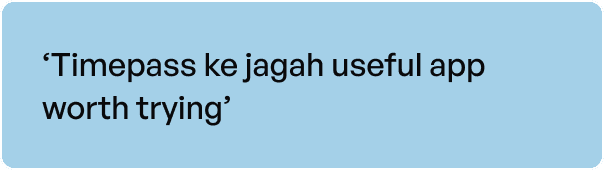
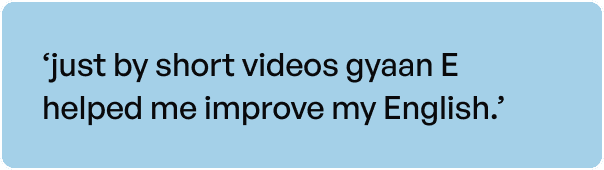
People love Gyaan-E

People love Gyaan-E

Ideogram and Freepik both generated good results, but Ideogram’s were better. Additionally, Ideogram had a bulk generation feature, which is why we chose Ideogram.

Ideogram and Freepik both generated good results, but Ideogram’s were better. Additionally, Ideogram had a bulk generation feature, which is why we chose Ideogram.

My Learnings

This was my first app where I was involved end-to-end—from defining the business model and understanding user intent to taking it all the way through until the final design was delivered. It gave me complete ownership of the product journey and helped me understand how each stage connects to create a meaningful user experience.

  • Creating banners with AI taught me how to write effective prompts.

  • I realized that giving too much information to AI can reduce accurac

  • Clear and specific prompts give better results.

  • Iteration is key when working with AI.

  • Balancing AI outputs with manual design improves quality.

  • I understood the importance of reducing visual load.

  • Exploring multiple tools helps in choosing the best solution.

We’ll be sharing more on this soon

We’ll be sharing more on this soon

GyaanE will keep getting better, stay tuned for what’s next

On-demand Latest Video Lectures on Any Topic

Connect with people across 50+ countries effortlessly.

Bite-sized, easy content in Hinglish

Build genuine relationships with like-minded individuals.

Focus on learning skills + earning + self-growth

Personalized content and recommendations

More than 25+ Categories

Join thriving communities aroundyour interests.

The Journey of Building GyaanE

Create a free website with Framer, the website builder loved by startups, designers and agencies.